
Moving from one digital workspace to another often seems easier than it actually is. A new application promises better organization, faster search, or a cleaner interface, so you export your files and begin importing them into a new environment. Then unexpected problems appear. Tags become plain text, internal links stop working, and carefully organized page structures suddenly disappear.
The challenge is that digital workspaces don't store information in the same way. Even when two applications support notes and documents, they often use completely different formats for metadata, databases, links, and page relationships. A successful migration requires more than simply transferring files. It requires protecting the structure that gives those files meaning.
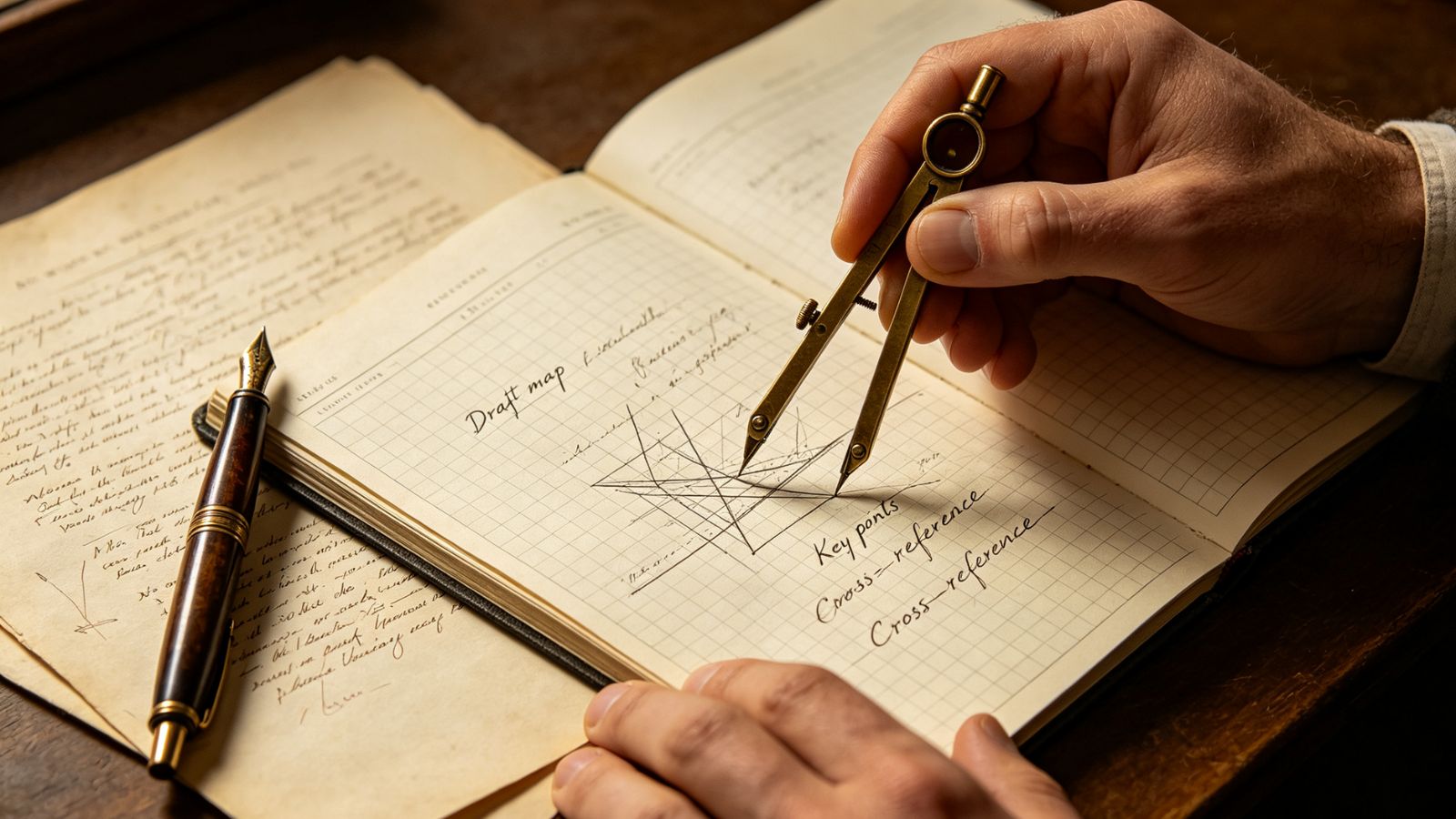
Many people assume that all notes are fundamentally the same. In reality, every platform uses its own data architecture.
Consider a migration from a database-driven workspace to a Markdown-based system. The text itself may transfer successfully, while other elements can behave differently during the conversion process.
Common migration issues include:
Tags converted into plain text
Broken internal links
Missing comments
Lost database properties
Changed page hierarchies
Recognizing these differences before exporting your files can prevent unpleasant surprises later.
Attempting to migrate an entire workspace overnight is one of the most common mistakes.
A safer approach is to divide the process into smaller stages.
Don't move unnecessary clutter into a new system.
Before exporting your files, remove outdated documents, archive completed projects, and delete information you no longer use. Migrating fewer files reduces both complexity and the likelihood of conversion problems.
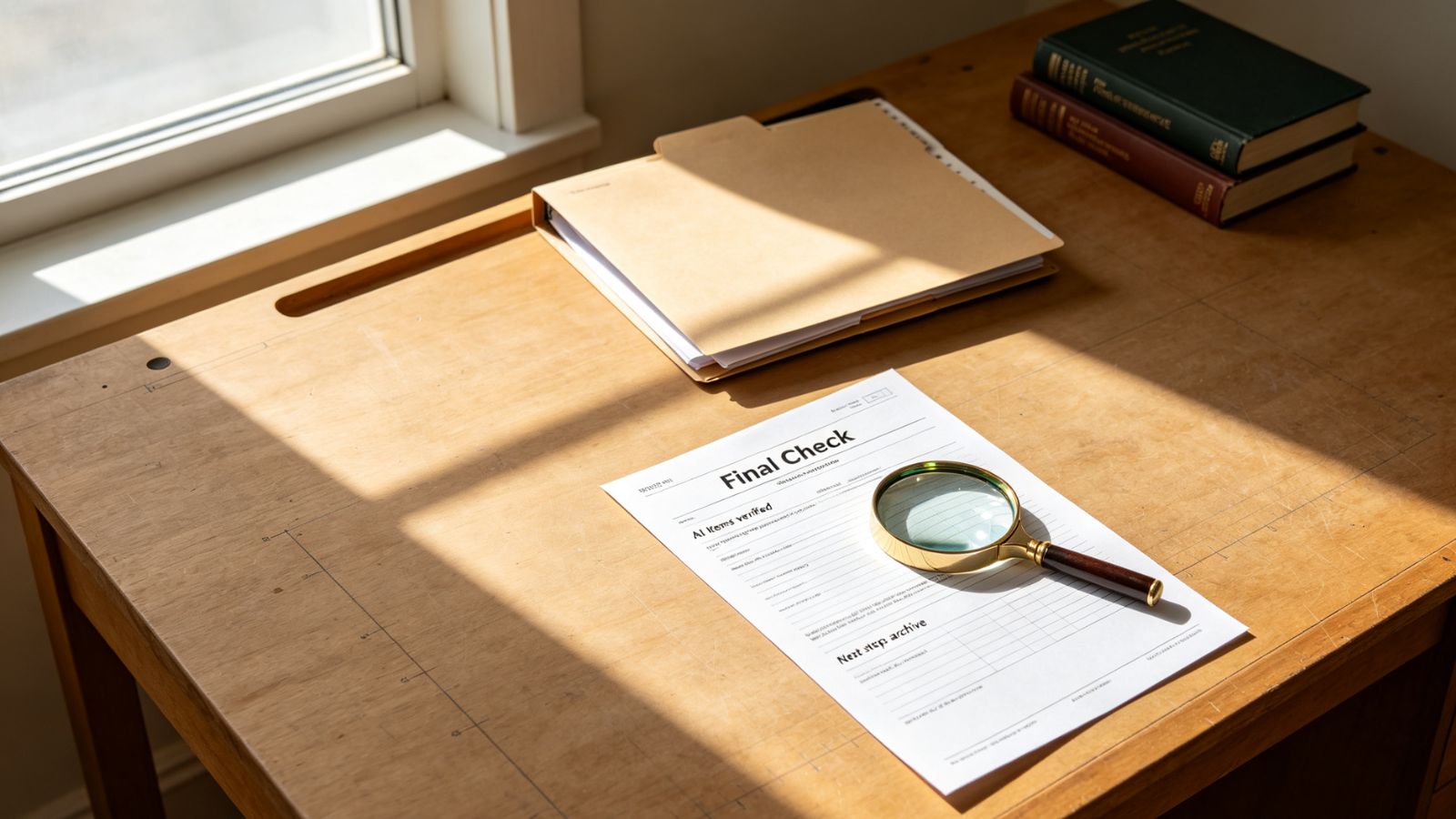
Before migrating your entire archive, export a small sample of representative documents.
Choose notes that contain:
Tables
Tags
Internal links
Embedded content
After importing them, verify that everything still works as expected.
A simple migration checklist can include:
Is the formatting intact?
Do internal links still work?
Have tags been preserved?
Are images and attachments still accessible?
Testing a small group of files is much safer than discovering problems after migrating hundreds of documents.
Avoid shutting down your old workspace immediately.
Many people keep both systems active for several days or weeks while they become comfortable with the new environment. During this transition period, the original workspace acts as a backup if an important file cannot be located in the new system.

Text is usually the easiest part of a migration. Relationships between documents are often much more fragile.
For example, moving notes between different applications may preserve the content itself while affecting page references, linked databases, or custom properties.
Whenever possible, prioritize open and widely supported formats. Standard file formats are generally easier to transfer between applications than proprietary structures that depend on platform-specific features.
If you're migrating between two specialized applications, research available import tools and community migration guides before starting a large-scale transfer.
Migration is an opportunity to improve your system rather than simply duplicate it.
A workflow that worked well in one application may not fit another. Instead of rebuilding every dashboard, template, and automation, identify the tools you actually use every day and focus on preserving those first.
Sometimes the best migration strategy is not to recreate your old workspace exactly, but to simplify it.
Migrating notes and documents between digital workspaces is less about moving files and more about preserving structure, context, and accessibility. By auditing your archive, testing small batches, protecting links, and allowing time for a gradual transition, you can move to a new environment without disrupting your existing workflows.
The goal isn't to transfer everything perfectly. It's to create a workspace that remains reliable, maintainable, and easier to use in the long run.