
A single AI prompt can be surprisingly useful. Paste in an email and ask for a summary. Provide a document and request a list of key points. Give a draft to a language model and ask it to rewrite the text.
The trouble starts when the same approach is used for a large operational workflow.
A business document may need to be classified, have specific information extracted, checked against internal rules, transformed into a standard format, and then reviewed before anyone acts on it. Asking one model call to perform all of those jobs at once makes the process harder to test and harder to control.
Prompt pipeline engineering takes a different approach. Instead of treating AI processing as one large generation step, the workflow is divided into smaller stages. Each stage has a defined job and produces a structured output that the next stage can validate or process.
The result is not necessarily a fully automated system. In many business workflows, the real benefit is better control: errors can be detected earlier, human reviewers can focus on exceptions, and individual parts of the process can be changed without rebuilding everything else.
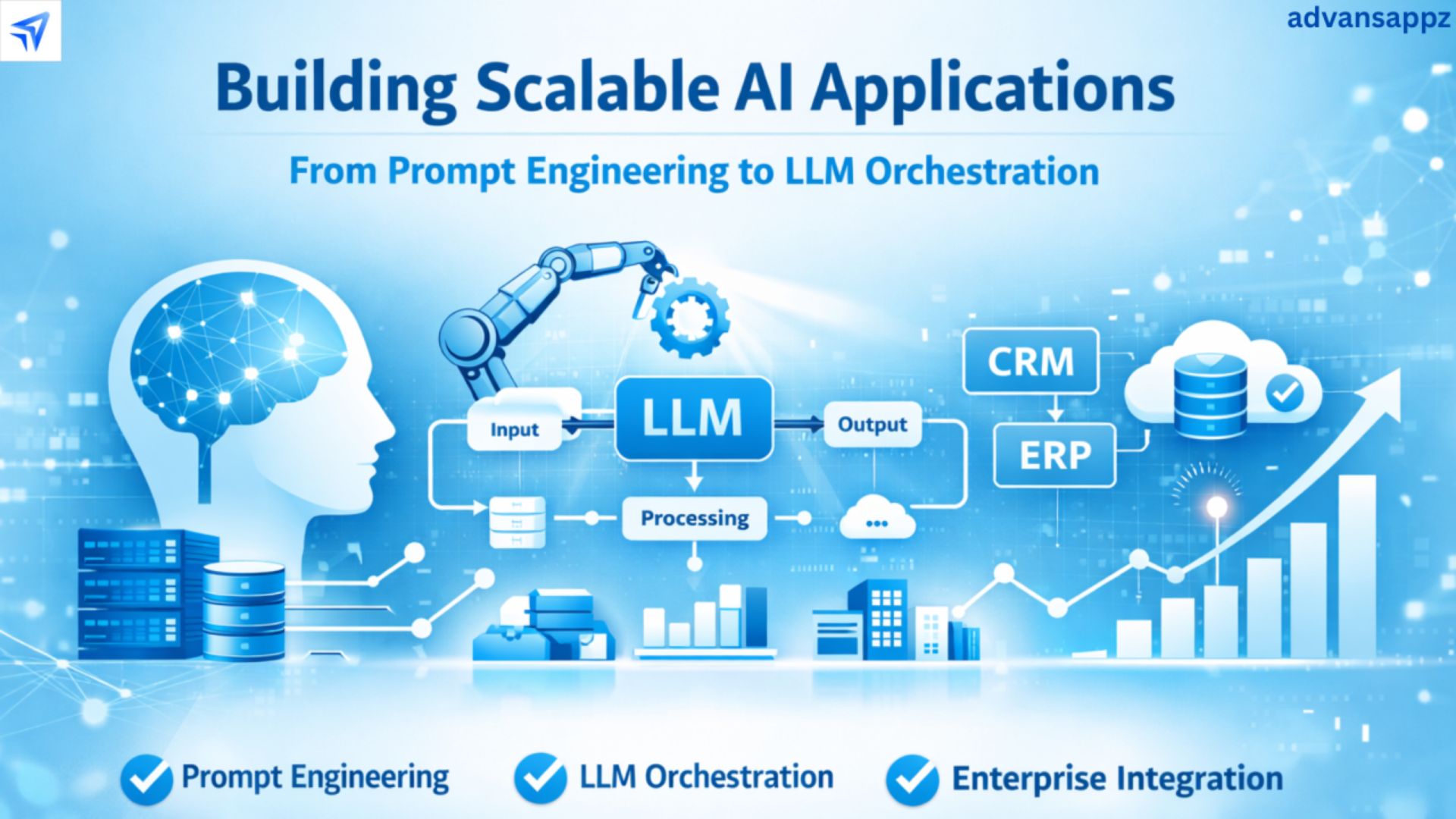
Imagine a workflow that receives a supplier contract and is expected to identify important clauses, compare them with company standards, flag deviations, and prepare a review package for the legal team.
That is not one task. It is several tasks connected together.
The same is true for an inbound customer email. The system may need to determine what the customer wants, extract relevant order information, identify whether a deadline or escalation is involved, retrieve the appropriate internal guidance, and prepare a response for an employee to review.
Breaking these operations into stages makes the workflow easier to inspect.
A typical pipeline might look like:
Input → Extraction → Validation → Analysis → Drafting → Human Review → Final Output
Not every stage needs an AI model. In fact, using ordinary software for predictable checks can make the entire pipeline more reliable.
The first stage prepares the source material.
Depending on the input, this might involve:
extracting text from PDFs
applying OCR to scanned documents
removing unnecessary formatting
identifying document sections
splitting long material into manageable units
preserving important metadata
The goal is to give later stages a clean representation of the original document without losing information needed for verification.
The next stage identifies the information required by the workflow.
For a contract, that might include:
parties
effective dates
renewal terms
liability provisions
termination rights
governing-law clauses
For an email workflow, the fields might instead include:
customer request
order identifier
stated deadline
product or service involved
requested resolution
Structured output is important here. Rather than returning a paragraph of prose, the model can be asked to produce data that conforms to a defined schema.
This is where ordinary software can take over.
A validator can check whether:
required fields are present
dates use the expected format
numeric values are within allowed ranges
identifiers match known records
enumerated fields contain permitted values
the generated JSON conforms to the expected schema
These are tasks that do not require a language model to reason about language. Using deterministic checks where possible can make the pipeline easier to test.
Some questions cannot be handled effectively through simple rules.
Does a contract clause differ materially from the approved fallback language? Does an email describe a dispute that needs escalation? Does an internal policy update conflict with another document?
These are better candidates for model-assisted semantic analysis, usually with clear instructions and access to the relevant source material.
Only after the required information has been extracted and checked should the system generate the final draft.
The output might be:
a standardized contract-review report
a customer-service response
an executive summary
a revised SOP
a structured compliance checklist
Keeping drafting toward the end of the pipeline reduces the chance that an early model assumption silently becomes part of every downstream output.
Contracts are a useful example because they contain both structured and unstructured information.
A legal team may have a standard contract framework, but counterparties frequently submit documents with different terminology, section names, and fallback provisions.
An AI pipeline can help identify where those documents differ from the organization's preferred structure.
A model can locate sections such as:
confidentiality
indemnification
limitation of liability
termination
intellectual property
governing law
It can also map non-standard section titles to the organization's internal taxonomy.
The extracted clauses can then be compared with approved language or predefined business rules.
Some comparisons can be handled with ordinary logic. Others may require semantic analysis because two clauses can express similar ideas using substantially different language.
The workflow should produce a review queue rather than automatically assuming that every difference is problematic.
For example, a clause might differ from the preferred language but still be acceptable under a particular commercial arrangement.
For flagged provisions, an AI system can prepare a suggested explanation or proposed alternative wording.
That output should remain a draft. Appropriate legal or commercial reviewers should decide whether the suggested language is acceptable before it becomes part of a final agreement.
This approach is more controlled than asking a model to rewrite an entire contract without separating identification, comparison, and drafting.
Email workflows present a different challenge.
Customer and vendor messages can vary dramatically in length, tone, structure, and vocabulary. Some are simple requests. Others contain several unrelated issues in one message.
A staged pipeline can first determine what kind of message it has received and then decide what information needs to be extracted.
For example:
Email → Intent Classification → Information Extraction → Routing → Knowledge Retrieval → Draft Response → Human Review
The classification stage might identify the general request type and urgency signals. The extraction stage can then pull relevant information from the message, while a routing layer determines which team should handle it.
The final response can be drafted only after the workflow has gathered the information needed to answer the request.
AI-generated summaries should not replace the source message entirely.
A support employee may need to check the original wording to understand an unusual request, confirm a deadline, or see a detail that the summary omitted.
A better interface can therefore show the draft response alongside the relevant source material and extracted fields.
That gives the employee a faster review path without hiding the evidence behind the AI-generated output.
AI systems are often used to make customer responses sound calmer or more professional. That can be useful, but the workflow should distinguish between tone and substance.
An angry customer may still provide an important technical detail. Removing the emotional language entirely could make the message easier to read while also removing useful context.
A better process is to separate the substantive request from the emotional language while preserving the original message for reference.
The goal is not to rewrite the customer's experience. It is to help the employee identify the underlying issue and respond appropriately.
Large organizations often accumulate internal documents from different departments, locations, and business units.
Over time, the same process may acquire several names. One department may use an outdated approval step, while another uses a newer procedure. Older documents may also continue to circulate long after the official policy has changed.
A document pipeline can help identify these inconsistencies.
A model can map local terminology to a controlled organizational vocabulary.
For example, several departments may use different names for the same approval role. The pipeline can flag those variations for review rather than treating them as completely unrelated concepts.
Programmatic checks can determine whether required sections are present, whether version information is included, and whether required approval fields have been completed.
The workflow can also inspect references to other documents and flag links to outdated or missing material.
This does not mean the system should automatically declare one policy correct and another obsolete. It can identify potential inconsistencies for the document owner to resolve.
One of the most useful principles in pipeline engineering is simple:
Use a language model where language understanding is required. Use deterministic software where rules are enough.
For example:
TaskSuitable approachExtract a contract clauseAI-assisted extractionSummarize an emailLanguage modelCheck whether a date is validDeterministic codeCheck JSON structureSchema validatorDetect a missing required fieldProgrammatic ruleCompare two clauses semanticallyAI-assisted analysisApprove final legal languageHuman expert
This separation reduces unnecessary model calls and gives engineers clearer places to test the workflow.
It also makes failures easier to diagnose.
If a date-format check fails, the problem is probably in the validation layer. If a model incorrectly interprets a clause, the problem may lie in the extraction or semantic-analysis stage.
Multi-stage workflows introduce their own engineering problems.
An upstream model may return a slightly different structure after a prompt change. A downstream service may expect a field that is no longer present. A model update may alter how a particular clause is classified.
Schema validation helps create a boundary between stages.
If a stage expects:
{ "contract_type": "...", "effective_date": "...", "termination_clause": "...", "risk_flags": [...] }the next stage should not simply assume that those fields exist. The system should validate the structure first and route malformed results to an exception path.
That simple boundary can prevent one bad output from propagating through the entire workflow.
Prompts should not be treated as disposable text once they become part of a production workflow.
Changes to wording, examples, output requirements, or model configuration can alter downstream behavior.
Useful engineering practices include:
keeping prompts under version control
maintaining representative test cases
testing expected outputs after changes
tracking model and configuration versions
monitoring error and exception rates
reviewing changes before production deployment
Regression testing is particularly important for document workflows. A prompt that improves one contract type could accidentally reduce performance on another.
No matter how carefully the pipeline is designed, some documents will not fit the expected pattern.
Instead of forcing the system to produce an answer, create an explicit exception route.
A document might be sent for human review when:
required information is missing
the source is too poor to parse reliably
multiple interpretations are plausible
a rule conflict is detected
the model output fails schema validation
the document falls outside the supported scope
This is one of the most important differences between a production workflow and a simple chatbot interaction.
A production system needs a defined answer for the question:
What happens when the system is not sure?
Often, the safest answer is to stop and ask a person.
A final “accuracy” number is not enough to understand a multi-stage system.
Engineers should examine where errors occur.
Useful measurements can include:
extraction accuracy
schema-validation failure rate
classification accuracy
exception frequency
human correction rate
processing time
downstream error rate
Suppose a workflow produces excellent summaries but frequently assigns emails to the wrong department. The solution is not necessarily a better summarization prompt. The routing stage may need a different classification method or additional business rules.
Stage-level measurement makes that distinction visible.
Not every output requires the same level of scrutiny.
A routine internal summary might receive periodic sampling. A proposed change to a contract, a sensitive customer communication, or an important operational policy may require explicit approval.
The right review threshold depends on the consequences of an error, how easily it can be detected, and whether the result can be reversed.
The human reviewer should also have enough context to challenge the system. Showing only a polished final answer creates a weak review process. Showing the relevant source passage, extracted information, and model output gives the reviewer a much better basis for making a decision.
Prompt pipeline engineering is less about making AI “smarter” and more about making complex workflows easier to control.
A single model call may be perfectly adequate for a quick summary or draft. A high-volume business process is different. When a workflow involves extraction, validation, business rules, transformation, and final approval, separating those responsibilities can make the system easier to test and maintain.
The strongest design is usually not an AI-only pipeline. It is a combination of language models, deterministic software, structured data, and human review.
That combination makes it easier to identify where something went wrong, prevent malformed outputs from spreading, and keep consequential decisions under appropriate human control. For contracts, customer emails, and operational documents, that practical discipline is often more valuable than simply asking a larger model to do everything in one pass.